AI SaaS
AISaaS Invoice and Reminder System
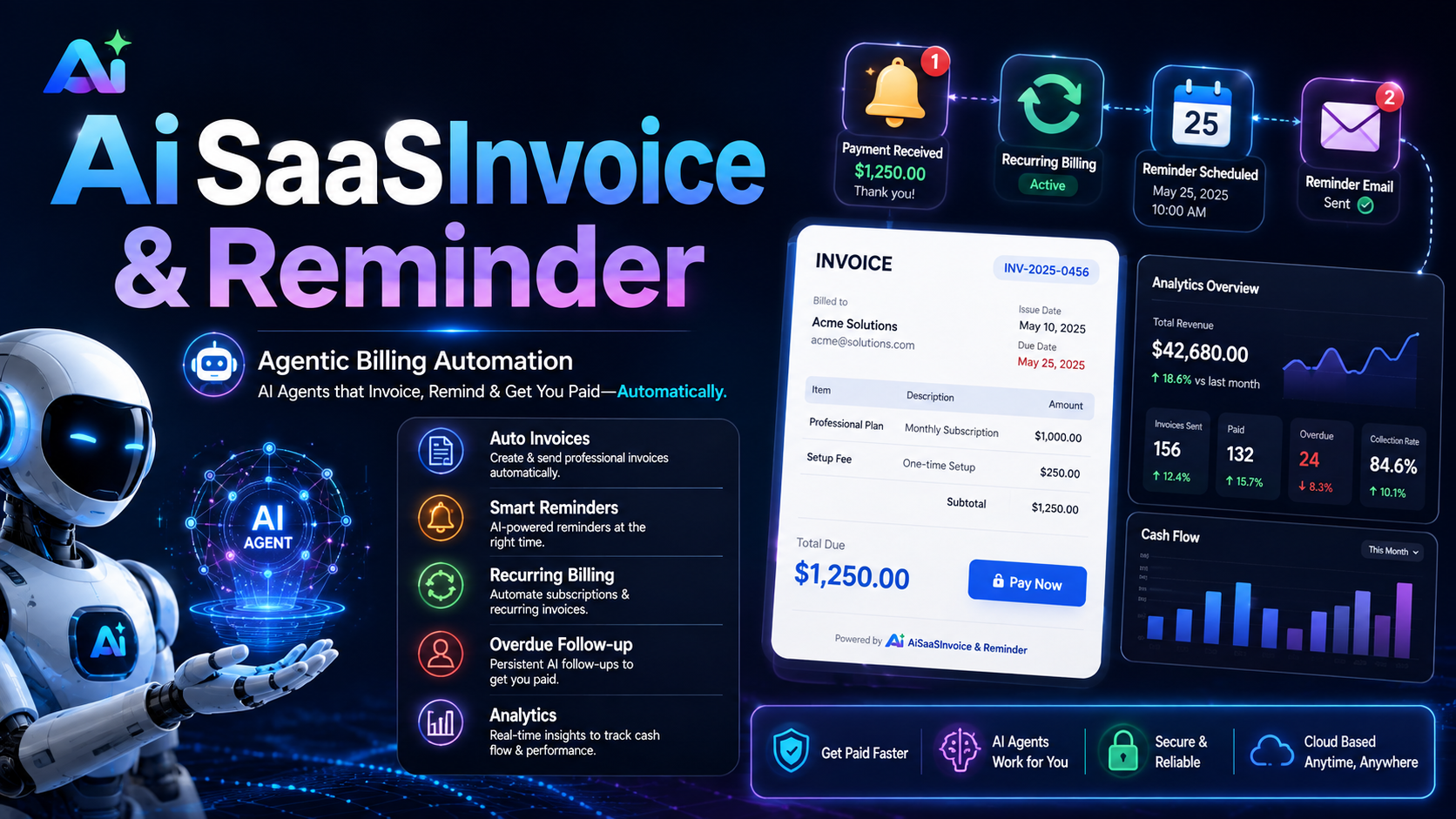
PayPilot AI is a production-ready SaaS MVP for creating invoices, accepting payments, managing clients, and sending AI-powered payment reminders. It includes a dashboard, admin CMS, custom pricing, invoice templates, PDF preview, OCR invoice import, reports, Stripe-ready billing, and OpenRouter AI settings.

Product overview
PayPilot AI is a production-ready SaaS MVP for invoice creation, payment collection, client management, and automated AI payment reminders. It is built for freelancers, agencies, consultants, accountants, service providers, and small businesses that want to create professional invoices, track payment status, and follow up with clients from one modern web dashboard.
The platform includes a public landing page, user authentication, dashboard, client management, invoice creation, reusable invoice templates, PDF invoice preview, payment tracking, reports, recurring invoice tools, OCR invoice import, admin CMS, custom pricing management, and OpenRouter AI settings. Admins can update website content, photos, pricing plans, and AI configuration without touching code.
PayPilot AI supports a complete demo-to-production journey. Demo users can sign in directly, while production customers can view pricing, purchase a plan, and enter the system. Invoices can include client details, custom fields, reference numbers, tax, discounts, notes, terms, and optional Stripe payment links. Users can configure reminder timing, generate AI reminder drafts, receive in-app notifications, and mark invoices as collected so they appear in reports.
The system is built with Next.js, React, TypeScript, Prisma, PostgreSQL, Stripe-ready billing, OpenRouter AI integration, and a responsive light/dark theme. It includes setup documentation, environment examples, seed data, deployment instructions, and a ready-to-host structure for Vercel and Neon.

Problem solved
PayPilot AI solves the problem of small businesses getting paid late because invoicing, payment tracking, reminders, and reporting are usually scattered across different tools.
Many freelancers, agencies, consultants, and service providers create invoices manually, forget to follow up, send awkward reminder emails, and have no clear view of what is paid, overdue, or still pending. This leads to delayed cash flow and wasted admin time.
PayPilot AI brings that workflow into one system:
- Create professional invoices quickly
- Store client and business details
- Add invoice templates and branding
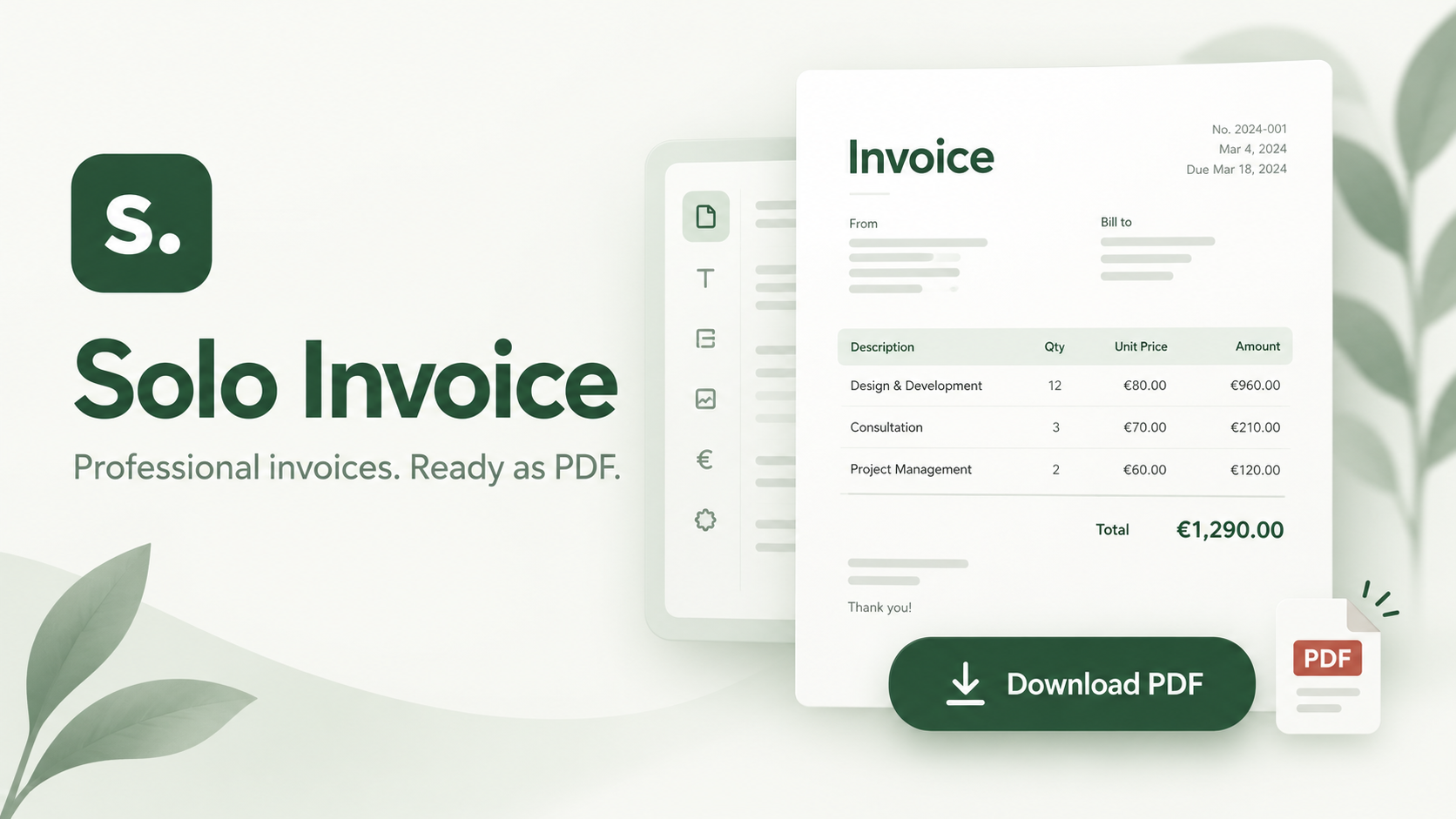
- Preview invoice PDFs before sending
- Add optional Stripe payment links
- Track paid, unpaid, overdue, and collected invoices
- Generate polite AI payment reminders
- Schedule reminder timing
- Get in-app notifications
- Download reports for collected payments
- Let admins manage pricing, website content, photos, and AI settings
In short: It helps businesses collect payments faster, reduce manual follow-up work, and manage invoicing from one dashboard.
Core features
What is included
Source code and setup
Source code details
Full Next.js SaaS MVP source code included
Built with React, TypeScript, Prisma, and PostgreSQL
Includes complete frontend and backend application routes
Includes Prisma database schema and seed file
Includes authentication with role-based access
Includes user dashboard and admin dashboard
Includes invoice, client, template, reminder, report, CMS, pricing, and settings modules
Includes Stripe-ready payment and subscription routes
Includes OpenRouter AI configuration and reminder generation logic
Includes OCR invoice import workflow
Includes PDF invoice generation using PDFKit
Includes email sending setup with Nodemailer
Includes responsive light and dark mode styling
Includes environment variable examples
Includes setup, deployment, Stripe, and OpenRouter documentation
Excludes node_modules, build files, private environment files, and local git metadata
Setup guide preview
1. Download and unzip the source code.
2. Install dependencies:
```bash
npm install
```
3. Create a PostgreSQL database using Neon, Supabase, or any hosted Postgres provider.
4. Copy `.env.example` to `.env` and add:
```env
DATABASE_URL=your_postgres_database_url
JWT_SECRET=your_secure_secret
APP_URL=http://localhost:3000
```
5. Push the Prisma schema to the database:
```bash
npx prisma db push
```
6. Seed demo data:
```bash
npx tsx prisma/seed.ts
```
7. Start the development server:
```bash
npm run dev
```
8. Open:
```text
http://localhost:3000
```
9. Demo login:
```text
User: demo@paypilot.ai
Password: Demo12345!
Admin: admin@paypilot.ai
Password: Admin12345!
```
10. For production, deploy to Vercel, add the same environment variables, connect a hosted PostgreSQL database, and redeploy.
Changelog
Current release: 1.0.0 updated 8/23/2026.
Requirements
License summary
Use this license term summary:
Buyers receive a non-exclusive license to use, modify, and deploy the PayPilot AI source code for personal or commercial projects. Buyers may create and operate their own SaaS product from the code, customize branding, connect their own services, and host it on their preferred platform. Redistribution, resale, sublicensing, or repackaging of the original source code as a competing template or marketplace product is not permitted. The product is provided as-is, and buyers are responsible for deployment, configuration, third-party API keys, hosting costs, compliance, and ongoing maintenance.
Prompt files
Yes
Attached files
paypilot-ai-mvpvault.zip
SOURCE CODE
PROMPT.md
PROMPT FILE